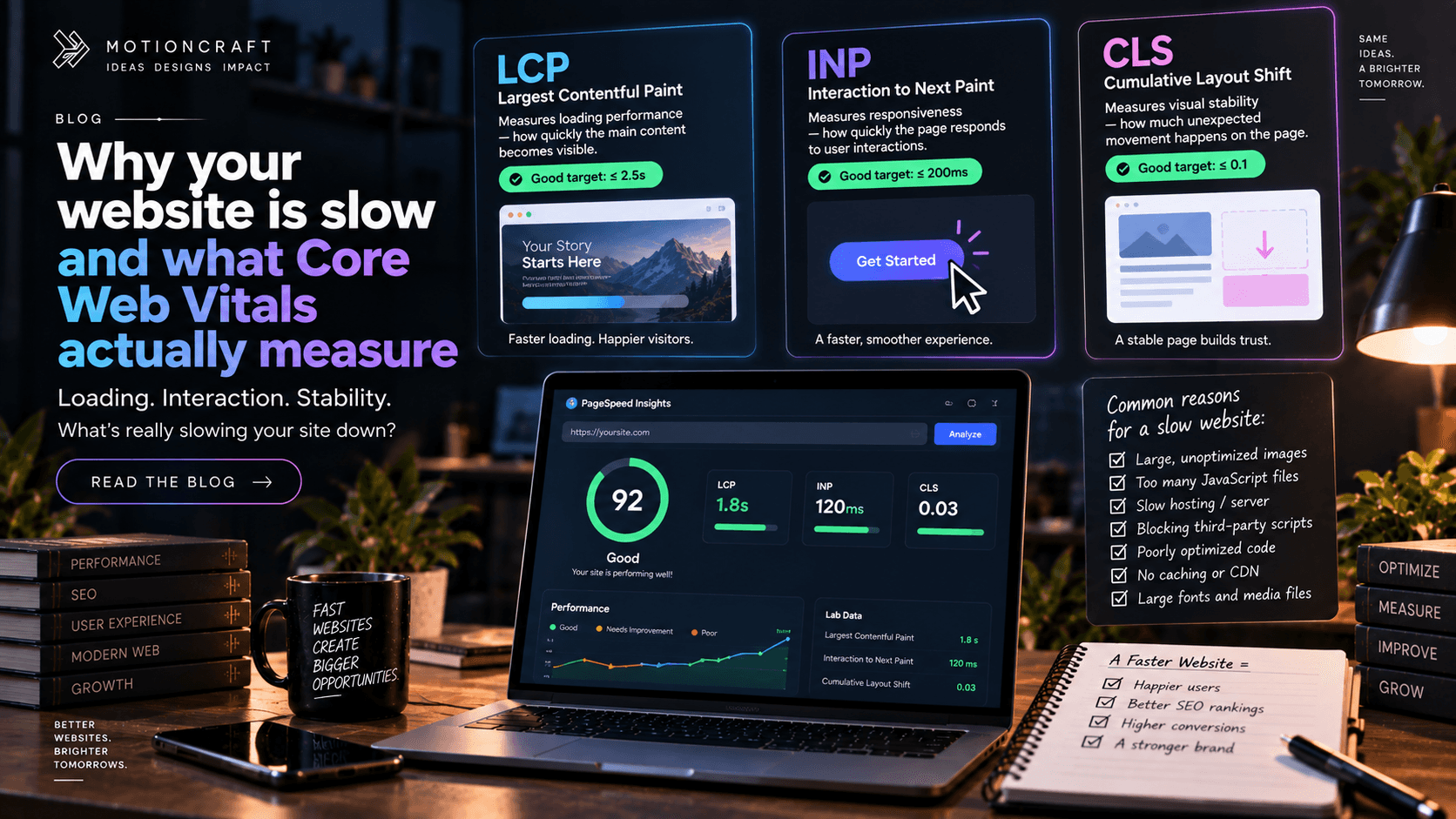
Nearly half of visitors expect a page to load in under two seconds, and Google uses loading performance as a ranking signal. So "the site feels slow" is not a cosmetic complaint — it's costing you visitors and position. Here's what's being measured and why it's slow.
The three numbers Google grades you on
Google's Core Web Vitals are three specific measurements, taken from real Chrome users visiting your site:
LCP — Largest Contentful Paint. How long until the biggest thing on screen (usually the main image or headline) has loaded. Target: under 2.5 seconds. This is the one most sites fail, and it's almost always a heavy hero image or a slow server.
INP — Interaction to Next Paint. When someone taps a button or opens a menu, how long until the page visibly responds. Target: under 200 milliseconds. Fails when the page is running too much JavaScript and the browser is busy.
CLS — Cumulative Layout Shift. How much the page jumps around as it loads — the annoying moment where you go to tap something and an ad or image pushes it down. Target: under 0.1. Fails when images and embeds don't reserve their space before they load.
You can check your own site free at PageSpeed Insights. The "field data" section is what Google actually uses; the lab score is a simulation.
The five usual culprits
1. Unoptimised images. A 4 MB photo straight from a camera or a stock site, shown at a fraction of its real size. This is the number one cause of a slow LCP. Images should be compressed, sized to how they're displayed, and served in a modern format (WebP or AVIF).
2. Too much JavaScript. Every plugin, tracker, chat widget, animation library and A/B testing tool adds code the browser has to download and run before the page is interactive. Website builders are particularly bad here because they load a lot you didn't ask for. This is what wrecks INP.
3. A slow server or host. Cheap shared hosting, a server far from your visitors, or a site that rebuilds every page on every request. A good setup serves pages from a CDN edge close to the user.
4. No caching. If your site regenerates identical pages over and over instead of serving a saved copy, every visitor waits for work that only needed doing once.
5. Layout that isn't reserved. Images without width and height, fonts that swap and reflow the text, banners that appear late and shove everything down. Each one causes a layout shift.
What you can fix yourself
If you're on a builder or WordPress, you can get real gains without a developer:
- Compress and resize every image before uploading. Tools like Squoosh or TinyPNG are free.
- Audit your plugins and third-party scripts. Remove anything you're not actively using. Each chat widget and tracker has a cost.
- Turn on your platform's caching, or add a caching plugin.
- Choose a decent host. This alone often moves LCP by a second or more.
When it needs a developer
If you've done the above and the numbers are still poor, the problem is usually in the platform itself — the amount of code it ships, how it renders pages, how it handles fonts and images. That's not something you can fix from the outside, and it's one of the clearest signals that a site has outgrown its builder.
Performance is something we treat as part of the build, not a fix afterwards — server rendering, image handling, and a strict budget for JavaScript. See how we build websites, or tell us what your PageSpeed report says and we'll tell you what's causing it.