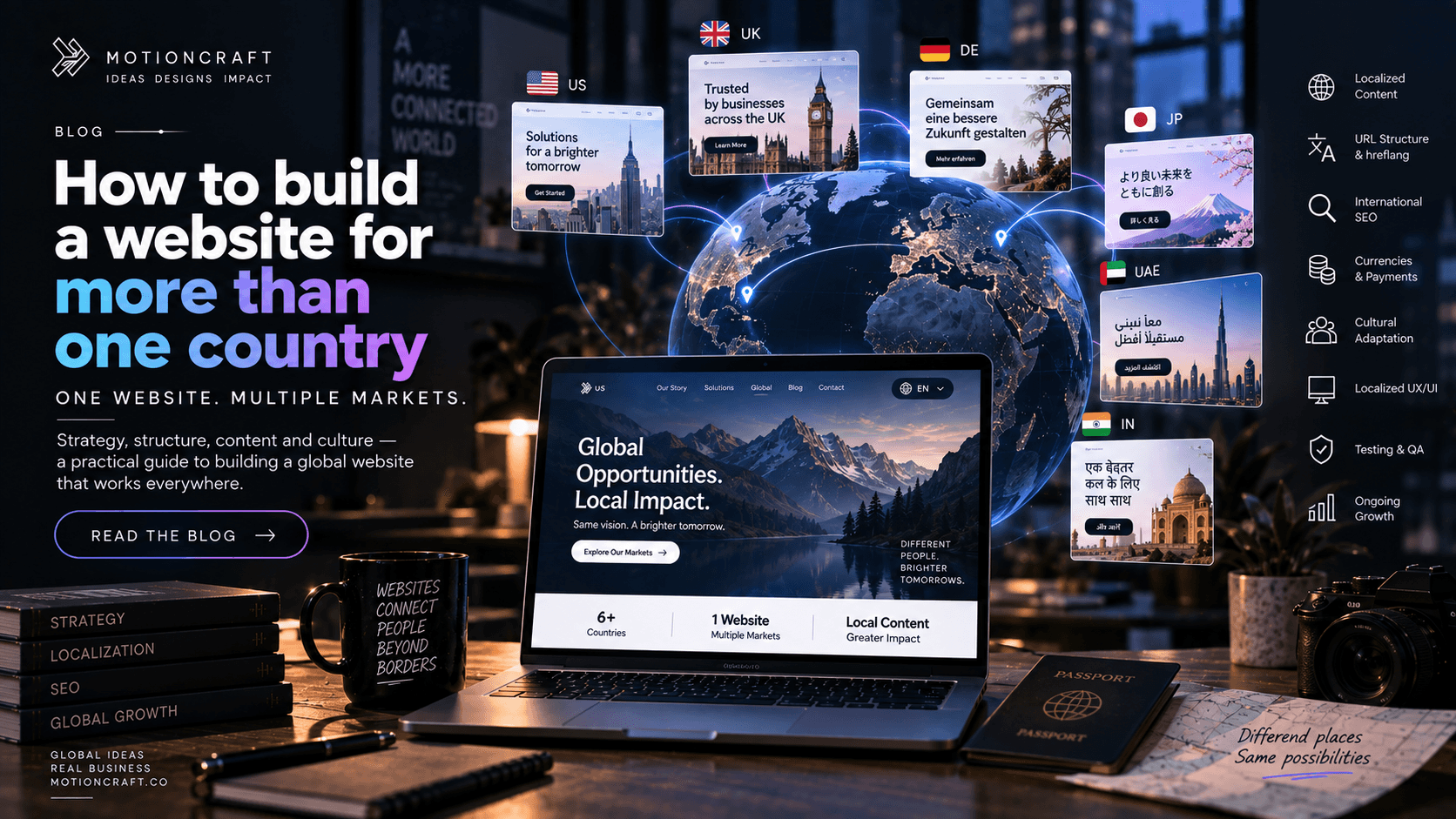
Short version: to sell into several countries from one website you need a deliberate URL structure (subdirectories are the right default), a complete and reciprocal set of hreflang annotations, locale detection that suggests rather than force-redirects, localised currency and formats, a translation workflow rather than a one-off pass, and separate keyword research per market. Skip any of these and the usual result is a site whose own pages compete with each other in search.
Selling into more than one country sounds like it should be a content problem — translate the pages, done. It isn't. Do it naively and you end up with a site Google can't figure out, where your UK and Australian pages fight for the same rankings and your Japanese pages never surface at all.
Here is what is actually involved, in the order it matters. At the end there's a full teardown of a real 10-language site — every number — so the abstract advice has something concrete behind it.
1. Decide your URL structure first
You have three options, and the choice is expensive to reverse once you have links and rankings.
| Structure | Example | Authority | Effort | Best when |
|---|---|---|---|---|
| Subdirectories | example.com/de/ |
One domain, shared across every language | Lowest | Most businesses, most of the time |
| Subdomains | de.example.com |
Slightly fragmented across subdomains | Medium | You need real separation (different teams, stacks, hosting) |
| Country-code domains (ccTLDs) | example.de, example.co.uk |
Built from zero on each domain | Highest | One dominant market, or legal/brand reasons per country |
Subdirectories are the right default. Everything you do to build the domain's authority — links, PR, age — benefits every language at once. Subdomains split that a little. Separate country domains split it completely: eight markets means eight SEO projects starting from nothing.
One thing worth knowing: a country-code domain like .co.in or .de tells Google the whole site is for that country. That's a strong signal if it's your only market, and a handicap if you're trying to rank in eight others. If you're already on a ccTLD and going international, that's a real constraint to weigh — not fatal, but it puts a ceiling on how well the other markets can do. (More on this in the teardown below — it's the exact situation this site is in.)
2. hreflang — the annotation that stops self-competition
hreflang tells Google "this page has an equivalent version for this language and region." Without it, Google sees your /en, /en-GB and /en-AU content as near-duplicates, picks one, and shows it everywhere — usually the wrong one for most of your visitors.
A correct setup has four properties:
- Complete. Every page links to every one of its language/region equivalents.
- Self-referencing. Each page includes a tag pointing to itself.
- Reciprocal. If the German page points to the English one, the English page must point back. One-directional hreflang is ignored.
- Has an
x-default. A fallback entry for anyone whose language you don't cover.
Put the same cluster both in the page <head> and in your XML sitemap. Use valid codes: ISO 639-1 for language (de, not ger), ISO 3166-1 for country (de-AT, not de-AUT). The one exception people get wrong is Latin America — the correct region code is es-419 (the UN M.49 code for Latin America). es-LA is invalid and tells Google the page is Spanish served in Laos.
Regional variants of one language can all point at a single URL. You don't need a separate page for every English-speaking country — one /en page with en-GB, en-US, en-AU, en-CA, en-NZ and en-IE hreflang tags places that single page in each of those countries' result sets without splitting your link equity.
3. Language is not location
Two mistakes cause most of the damage:
- Auto-redirecting by IP. Someone in Tokyo who prefers to browse in English gets forced onto the Japanese site. Worse, Googlebot usually crawls from the US, so IP redirection sends it away from the very pages it's trying to index. Detect the browser's
Accept-Languagepreference instead, use it to suggest a locale (or set a first-visit default), offer a visible switcher, and never hard-redirect. - Assuming one language equals one market. German is Germany, Austria and most of Switzerland — different currencies, some different vocabulary. Spanish spans Spain and ~20 Latin American countries with real differences in tone and terms. Decide early whether "Spanish" means one page or two (
es-ESandes-419), because retrofitting the split later means redoing every translation.
4. Currency, formats and the details that build trust
A price in the wrong currency, a date in the wrong order (09/11 means different months on different continents), a phone number in a format that looks foreign — each one quietly tells a visitor "this isn't really for me." Show local currency, local date and number formats, local contact options. If you can't yet take payment in a market's currency, say so up front rather than surprising someone at checkout.
This is also where cost estimates in your content should localise: "a small business site runs €3,000–€12,000" lands differently than a dollar figure for a reader in Frankfurt. See what a business website costs for how those ranges shift by market.
5. Translation is a workflow, not a one-off
Machine translation — including the current generation of AI — gets you a fluent draft. It does not reliably get you brand voice, the right industry term for your service in that market, or copy a native reader trusts enough to buy from. And it makes predictable mistakes: translating a UI label as a full sentence, calquing an idiom that means nothing in the target language, picking the wrong register.
What works:
- Draft with AI or a translation service.
- Review pass for fluency, terminology and tone — catch the machine-translation artefacts.
- Native sign-off on any market before you spend money driving traffic to it.
- A sync process so that when the English source changes, the other languages are flagged for update instead of silently drifting out of date.
Treat step 4 as part of the build, not an afterthought. A site where the English page has moved on and the German page still describes last year's offer is worse than no German page.
6. Each market needs its own SEO
Keyword research per country, in-language. "web development agency", "Webagentur" and "agenzia realizzazione siti web" are different searches with different competition and different intent. A translated homepage does not rank — in-language content answering the questions people in that market actually type does. Budget for at least a few pieces of market-specific content per priority country, not just a mirrored site.
What it costs and how long it takes
Adding languages to an otherwise-finished site is mostly translation-workflow and QA time. As a rough guide, a multi-language build adds 2–4 weeks over the equivalent single-language project — see how long a website takes to build — and the ongoing cost is dominated by keeping translations current and doing per-market SEO, not by hosting. The engineering (routing, hreflang, locale detection) is a one-time setup if it's done properly the first time.
A real example: this site, in 10 languages
Everything above is easier to trust with numbers attached. Here is the full breakdown of the multi-language system running on the site you're reading now:
- 10 locales: English, Japanese, Korean, Traditional Chinese, Italian, German, Spanish (Spain), Spanish (Latin America), Portuguese (Portugal), Portuguese (Brazil).
- ~305 statically generated pages, ~170 URLs in the sitemap, 31 hreflang annotations on every page (one per language/region variant, plus
x-default). - ~3,260 translated strings — 326 per locale across two dictionary files.
- Locale is negotiated from a cookie, then the browser's
Accept-Languageheader, then a default — no IP redirection. Bareesresolves to Latin American Spanish; bareptto Brazilian Portuguese; the six English regions share one/enURL. - The honest constraint: this site is on a
.co.indomain, which geo-targets India. hreflang disambiguates language for the other nine markets, but not country — so the non-India markets have a lower ceiling than they would on a.com. It's a deliberate, accepted trade-off, and exactly the kind of decision worth making consciously before you build.
The full teardown — page weights, the translation review process, what we'd do differently — is in what a 10-language website actually involves.
FAQ
Do I need a separate page for every English-speaking country?
No. One /en page with hreflang tags for en-GB, en-US, en-AU and so on places that single page in each country's search results without splitting your link equity. Create country-specific pages only when the content genuinely differs (pricing, legal, shipping).
Should I use a .co.uk / .de domain for each market?
Only if you have one dominant market or a legal/brand reason. Country-code domains build authority from zero on each domain — for most businesses, subdirectories on one strong domain rank better and cost far less to run.
Is automatic language redirection based on location a good idea? No. It traps users who prefer another language and interferes with search-engine crawling. Detect the browser's language preference, suggest a locale, and always offer a manual switcher.
How much does hreflang cost to implement? As engineering, it's a one-time setup — a few days for a developer who has done it before, more if it's retrofitted onto a site that wasn't built for it. The ongoing cost is translation and per-market content, not the tags.
Can I just use Google Translate / an AI translation plugin? For a fluent draft, yes. Not for anything you're spending ad budget on — machine translation misses brand voice and makes consistent register and terminology errors. Use it as step one of a workflow that ends in native review.
Related reading
- What a 10-language website actually involves — the full teardown of this site
- How to get your website to show up on Google — the ranking fundamentals that apply per market
- What a business website really costs in 2026
- How long a website takes to build
Expanding into new markets and the site isn't keeping up? See how we build for the web, the Ayurexim case study — a brand we took international — or tell us which markets you're going after.